
How to Deposit USDT/USDC to MC Markets? A Five-Step Tutorial
The complete process from opening the deposit page to funds arriving. For background, see “Deposit FAQ.”


The complete process from opening the deposit page to funds arriving. For background, see “Deposit FAQ.”
Step 1: Prepare
Confirm the sending side (wallet or exchange) has enough USDT or USDC balance and set aside a gas fee; confirm the network types supported by the sending side; and confirm your MC Markets account has completed 2FA and fund-password setup.
Step 2: Choose the Coin and Network
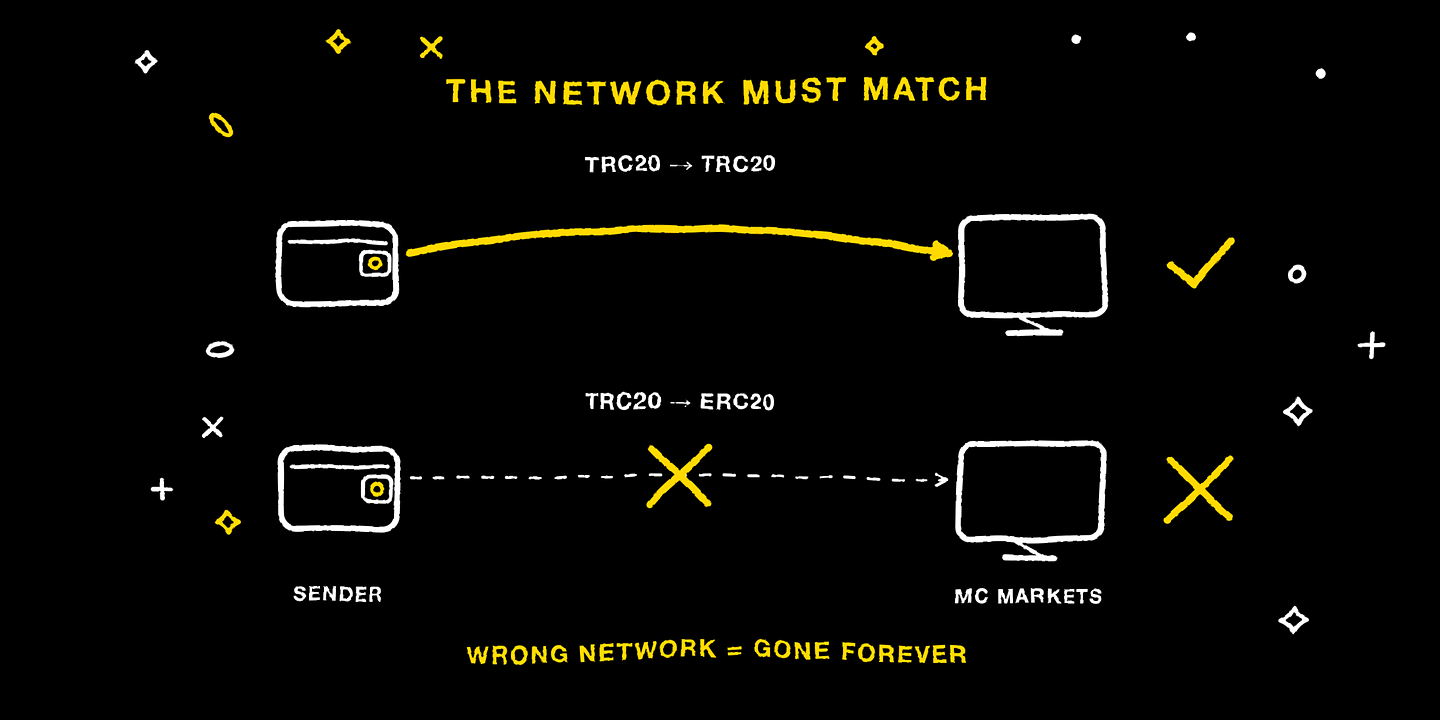
Log in to MC Markets, tap “Deposit,” choose the coin (USDT or USDC), then choose the network. This step is the most critical: the network you select must exactly match the sending side. Depositing on the wrong network means permanent loss of the assets, with no way to reverse it. If unsure, ask support first — don't guess.
Step 3: Get the Address and Verify It
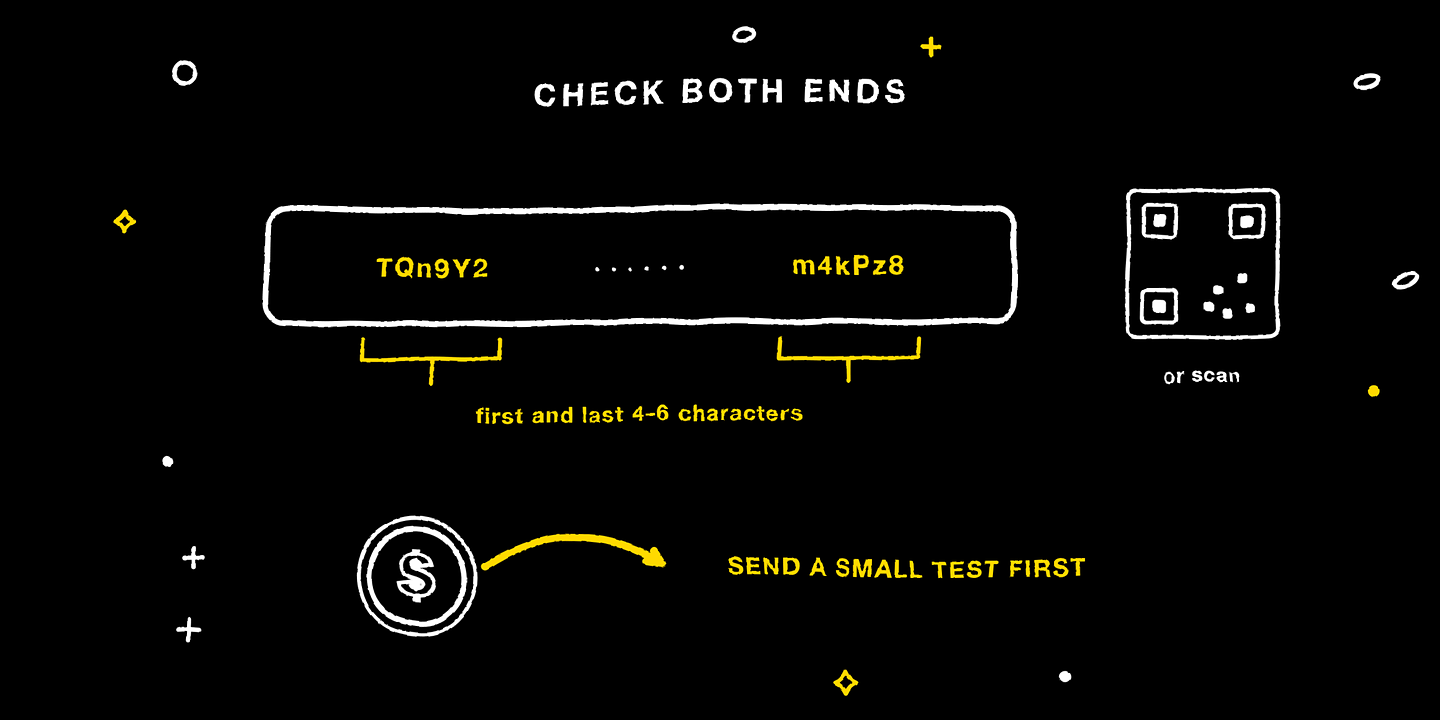
Copy the deposit address generated by the platform (or scan the QR code), verify the first and last 4 to 6 characters of the address to ensure they match exactly, then on the sending side paste the address, select the same network, enter the amount, and submit. When transferring to a new address for the first time, send a small test amount first.
Step 4: Wait for Arrival
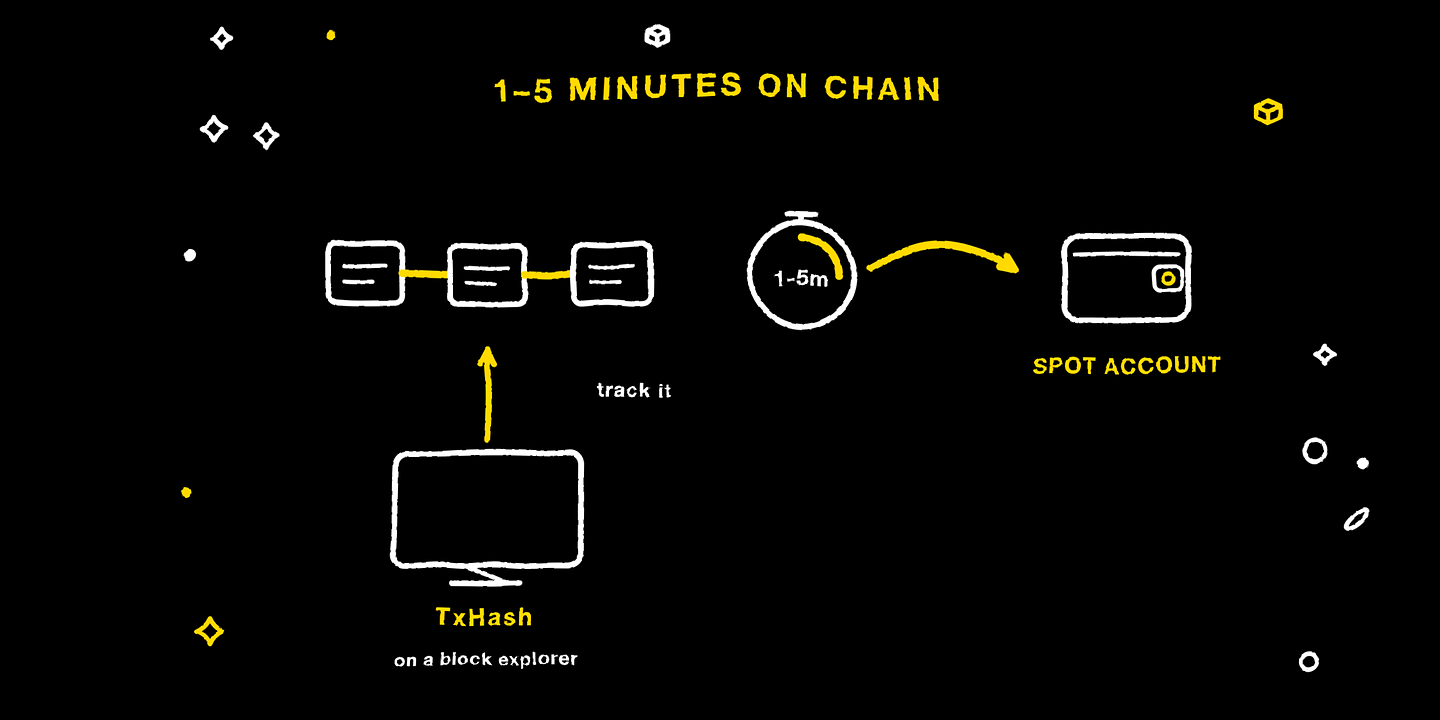
External deposits usually complete on-chain confirmation in 1 to 5 minutes. You can get the transaction hash (TxHash) on the sending side and check real-time progress on a block explorer. Once it arrives, the funds are in the Spot Account.
Step 5: Transfer as Needed
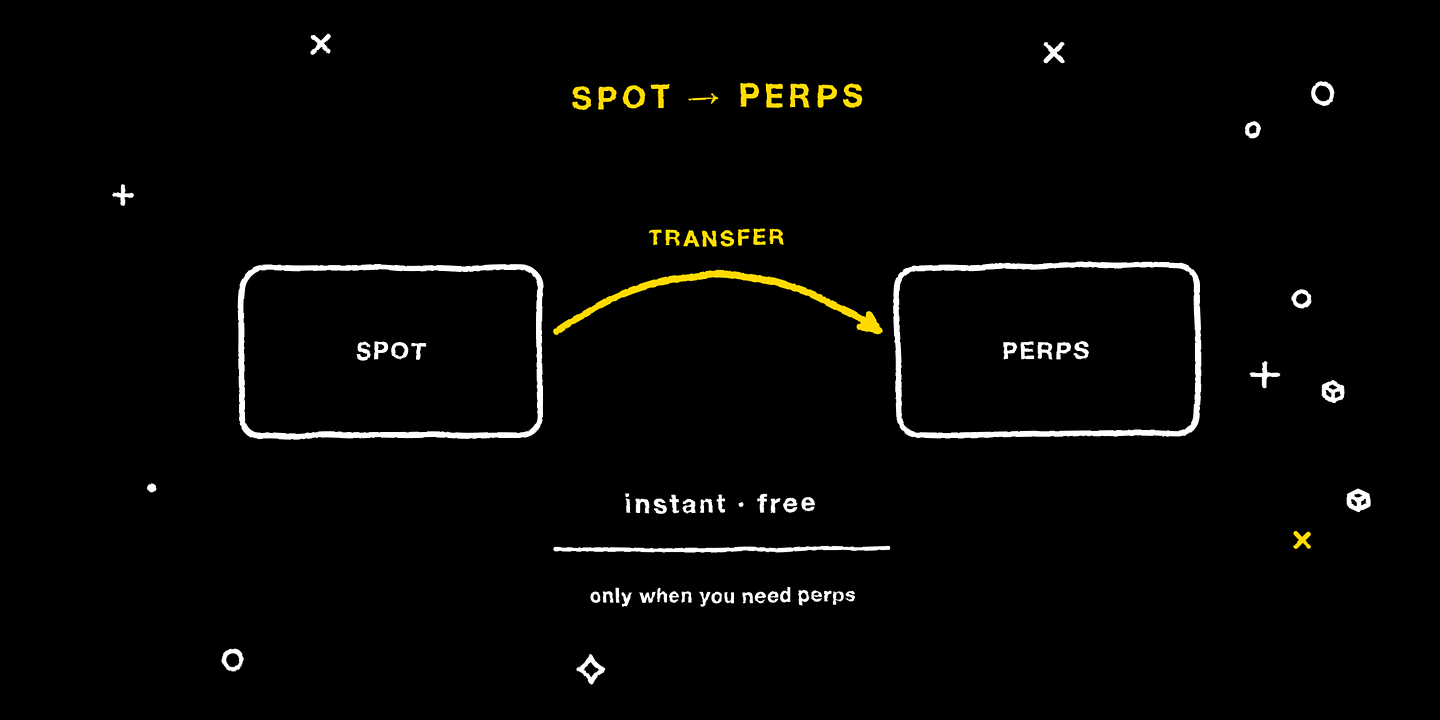
When you want to trade perps, tap “Transfer” on the assets page to move funds from Spot into the Perps Account — instant and free.
If You Run Into Problems
Not arrived after more than 10 minutes: check the on-chain confirmation status with the TxHash. Confirmed on-chain but not credited on the platform: contact support via a ticket and include the TxHash. Unsure which network to choose: contact support, and never guess.
Further Reading
No Crypto? An On-Ramp Guide to Buying Crypto with a Credit Card
Cryptocurrency, Illustrated: What It Is and How It Works
Risk Warning
Blockchain transactions are irreversible; funds deposited to the wrong network or address cannot be recovered. The interface is as shown in the latest version of MC Markets.
Disclaimer
This article is for general informational and educational purposes only and may not apply to the regulations or products available in your region. It does not constitute investment, financial, or trading advice of any kind, nor an offer, solicitation, or recommendation to buy, sell, or hold any digital asset.
Trading digital assets involves high risk, prices can be extremely volatile, and you may lose all of your invested capital. Leveraged trading can result in losses exceeding your initial deposit. Past performance is not indicative of, and does not guarantee, future results.
You should make investment decisions independently based on your own financial situation and risk tolerance, and consult a licensed professional adviser where necessary. While we strive to ensure the accuracy of the information in this article, MC Markets accepts no liability for any errors or omissions, or for any loss you may suffer from using or relying on this information.